

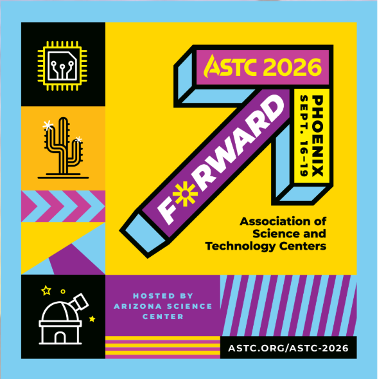
TAM is heading to Phoenix, Arizona, for the ASTC 2026 Annual Conference! Visit us at Booth 106 to meet our team and learn how TAM can help your organization simplify daily operations, better serve visitors, and uncover new opportunities for growth. The ASTC Annual Conference is one of the premier annual events for science-engagement professionals and leaders from science and technology centers, museums, and allied organizations across North America and around the world. Visit TAM at Booth 106 Stop by our booth to discover how TAM’s integrated solution can bring admissions, memberships, retail, fundraising, group reservations, events, and ecommerce together in one system. Our team will be available to answer your questions, discuss your organization’s needs, and show you how TAM can help create a more connected experience for your staff and visitors. You can find us in the Exhibit Hall during the following hours: Thursday, September 17: 10:00 a.m.–5:00 p.m. Friday, September 18: 9:30 a.m.–4:30 p.m. Whether you are already part of the TAM community or are exploring new technology for your organization, we would love the opportunity to connect with you. We look forward to seeing you in Phoenix at ASTC 2026. Be sure to stop by Booth 106 and say hello!
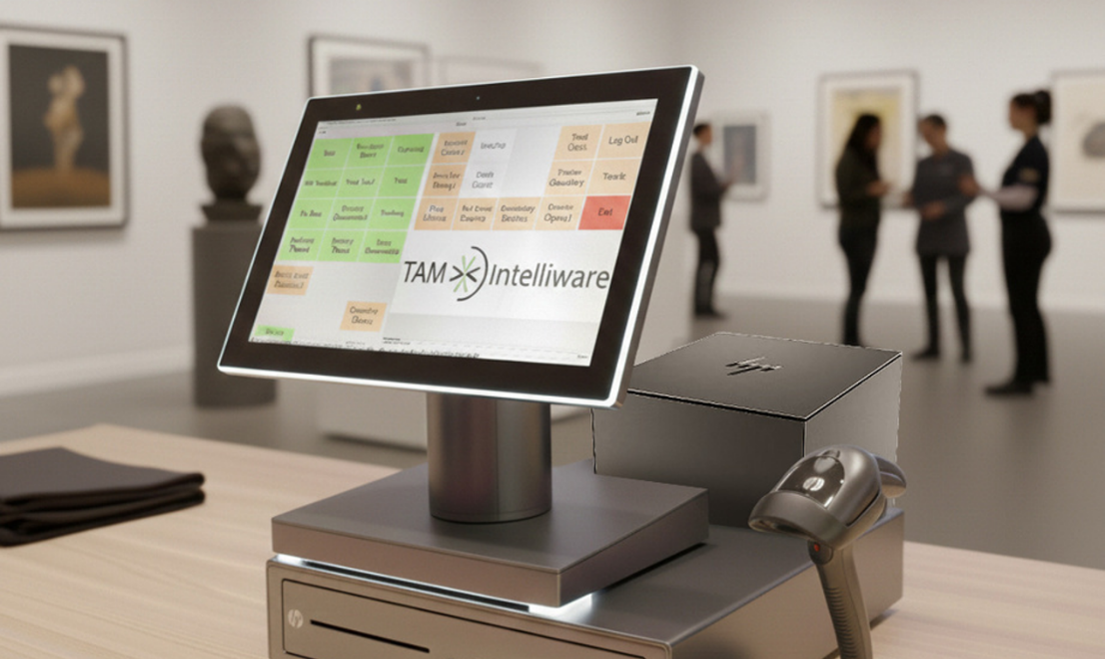
Every transaction receipt is an opportunity to connect with your customer, confirm important transaction details, and potentially make your organization a little greener. Built into TAM you have the option to email receipts directly to customers at the end of the transaction. While it may seem like a small feature, emailed receipts can create meaningful benefits for both your organization and your customers. More Flexibility at Checkout During the transaction, the cashier can choose the receipt option that works best for the customer: print, email, or both. This gives your team added flexibility without taking away the familiar printed receipt option. Some customers may still prefer a paper copy, while others may appreciate a digital receipt they can easily access later. For customers who want both, TAM makes that possible too. Reduce Receipt Paper Costs Printing receipts every day can add up quickly. Between receipt paper, ink or printer maintenance, and the time spent replacing rolls, paper receipts can create an ongoing operational cost. By offering emailed receipts as an additional option, your organization may be able to reduce the amount of receipt paper used at the register. Even if only a portion of your customers choose an emailed receipt, the savings can build over time, especially for organizations with high daily transaction volume. Verify and Update Customer Email Addresses Emailing receipts also gives your team a practical way to confirm customer contact information during checkout. When a customer chooses to receive their receipt by email, staff can quickly verify that the email address on file is correct. If the address is missing or outdated, it can be updated at the point of sale. This helps keep customer records cleaner and more accurate over time. Accurate email addresses are especially valuable for future communication, including membership reminders, event updates, donation acknowledgments, marketing outreach, and other important customer touchpoints. Promote a More Sustainable Operation Reducing unnecessary printed receipts is also a simple way to support sustainability efforts. Less paper usage means less waste, fewer discarded receipts, and a more environmentally friendly checkout process. For museums, zoos, attractions, nonprofits, and cultural organizations, small operational choices like this can align with broader goals around conservation, stewardship, and responsible resource use. A Small Change with Everyday Value Offering emailed receipts is a simple option that can make a noticeable difference. It can help reduce supply costs, improve the customer experience, and decrease unnecessary paper usage. Most importantly, it gives your organization and your customers more flexibility. Whether the customer wants a printed receipt, an emailed receipt, or both, TAM gives your cashier the option to provide the receipt in the way that works best for them. For more information on emailing transaction receipts contact the TAM Help Desk at 866-435-7826 or Help@tamb2cc.com.

Every transaction receipt is an opportunity to connect with your customer, confirm important transaction details, and potentially make your organization a little greener. Built into TAM you have the option to email receipts directly to customers at the end of the transaction. While it may seem like a small feature, emailed receipts can create meaningful benefits for both your organization and your customers. More Flexibility at Checkout During the transaction, the cashier can choose the receipt option that works best for the customer: print, email, or both. This gives your team added flexibility without taking away the familiar printed receipt option. Some customers may still prefer a paper copy, while others may appreciate a digital receipt they can easily access later. For customers who want both, TAM makes that possible too. Reduce Receipt Paper Costs Printing receipts every day can add up quickly. Between receipt paper, ink or printer maintenance, and the time spent replacing rolls, paper receipts can create an ongoing operational cost. By offering emailed receipts as an additional option, your organization may be able to reduce the amount of receipt paper used at the register. Even if only a portion of your customers choose an emailed receipt, the savings can build over time, especially for organizations with high daily transaction volume. Verify and Update Customer Email Addresses Emailing receipts also gives your team a practical way to confirm customer contact information during checkout. When a customer chooses to receive their receipt by email, staff can quickly verify that the email address on file is correct. If the address is missing or outdated, it can be updated at the point of sale. This helps keep customer records cleaner and more accurate over time. Accurate email addresses are especially valuable for future communication, including membership reminders, event updates, donation acknowledgments, marketing outreach, and other important customer touchpoints. Promote a More Sustainable Operation Reducing unnecessary printed receipts is also a simple way to support sustainability efforts. Less paper usage means less waste, fewer discarded receipts, and a more environmentally friendly checkout process. For museums, zoos, attractions, nonprofits, and cultural organizations, small operational choices like this can align with broader goals around conservation, stewardship, and responsible resource use. A Small Change with Everyday Value Offering emailed receipts is a simple option that can make a noticeable difference. It can help reduce supply costs, improve the customer experience, and decrease unnecessary paper usage. Most importantly, it gives your organization and your customers more flexibility. Whether the customer wants a printed receipt, an emailed receipt, or both, TAM gives your cashier the option to provide the receipt in the way that works best for them. For more information on emailing transaction receipts contact the TAM Help Desk at 866-435-7826 or Help@tamb2cc.com.

Every donation matters. Whether someone gives once during a year end campaign, contributes in memory of a loved one, or supports your organization every month, each gift helps move your mission forward. But for many organizations, recurring donations can be especially valuable because they create a more consistent, predictable source of support. Instead of relying only on one-time gifts or seasonal campaigns, recurring donations allow your supporters to give automatically on a schedule that works for them. With TAM, your organization can accept both one-time and recurring donations, making it easier for donors to support you in the way that best fits their budget and giving preferences. Why Recurring Donations Matter Recurring giving is more than a convenience feature. It can help build stronger donor relationships and provide your organization with more reliable revenue throughout the year. According to M+R Benchmarks, monthly giving accounted for 27% of all online revenue in 2025. For some larger nonprofits, monthly giving represented more than a third of online revenue. [1] Recurring donors also tend to stay engaged longer. Neon One’s 2026 Recurring Donor Report found that recurring donor retention rates stayed between 78% and 80% from 2023 to 2025, while non-recurring donor retention fell to 32.41% in 2025. [2] That difference matters. When donors give automatically, organizations spend less time trying to win back supporters and more time deepening relationships with people who already care about the mission. More Predictable Revenue for Your Organization For museums, attractions, cultural institutions, nonprofits, and mission-based organizations, predictable revenue can make a big difference. Recurring donations can help support planning, programming, staffing, education initiatives, exhibits, community outreach, and daily operations. That means recurring donations are not only useful for short term cash flow. They can also become part of a long-term donor engagement strategy. TAM Supports Both One-Time and Recurring Giving TAM gives your organization the flexibility to accept both one time and recurring donations. This allows you to meet donors where they are. Some donors may prefer to give once in response to a campaign, event, memorial, or annual appeal. Others may want to become ongoing supporters by setting up a recurring donation. Offering both options helps reduce friction and gives donors more control over how they support your organization. When recurring donations are available, your organization can encourage donors to think beyond a single transaction and consider becoming sustained supporters of your mission. Turn One Time Donors Into Long-Term Supporters One-time donations will always have an important place in fundraising. But recurring donations give your organization another opportunity: the chance to turn a single moment of generosity into an ongoing relationship. By offering both one-time and recurring donation options in TAM, your organization can make giving easier, improve donor convenience, and create a more stable foundation of support for the work you do every day. For more information on how to start offering one-time or recurring donations, contact the TAM Help Desk at 866-435-7826 or Help@tamb2cc.com. [1] M+R Benchmarks 2026 reported that monthly giving accounted for 27% of all online revenue in 2025. [2] Neon One reported recurring donor retention rates of 78%–80% from 2023 to 2025, compared with non-recurring donor retention of 32.41% in 2025.

Our Help Desk and administrative offices will be closed on Friday July 3 rd in observance of the July 4 th holiday. We will reopen on Monday July 6 th at 9:00 am CST. As always, the Help Desk is available for emergency support 24/7/365 at 866-435-7826 . We appreciate your understanding and wish you and your team a safe and happy 4 th of July holiday.

TAM is preparing to transition customers from the current Merchant Track reporting platform to Pulse, our updated credit card reporting platform designed to provide improved visibility and a more modern reporting experience. As part of this transition, we want to share an important update regarding the Pulse launch timeline, report export functionality, and the TAM version required to support exporting reports from Pulse. Merchant Track Will Transition to Pulse on June 23 Merchant Track will be discontinued and replaced by Pulse on June 23. You will access the Pulse platform the same way that you currently access Merchant Track, through TAM Office. To ensure your organization is able to export reports from Pulse after the switch, your TAM system will need to be upgraded to TAM Version 12.11.20 before June 23. Completing this upgrade ahead of the transition date will help prevent any interruption in your ability to export reports once Pulse becomes the active reporting platform. If you choose not to upgrade, you will still have access to the Pulse platform and the ability to view reports. The upgrade is required if you would like the option to export reports. Our Commitment to You We understand that reporting access is essential to your business, and we appreciate your patience as we continue working to deliver a strong Pulse experience. Our team is committed to making this transition as seamless as possible and ensuring Pulse provides the tools and functionality our customers rely on. Upgrade Instructions and Help Desk Support To obtain or schedule your TAM Version 12.11.20 upgrade, please contact the TAM Help Desk at 866-435-7826 or Help@tamb2cc.com . Our team will assist you with the upgrade process and ensure your system is ready for the Pulse transition. Please complete your upgrade to TAM Version 12.11.20 to ensure your organization is ready for the Pulse transition.
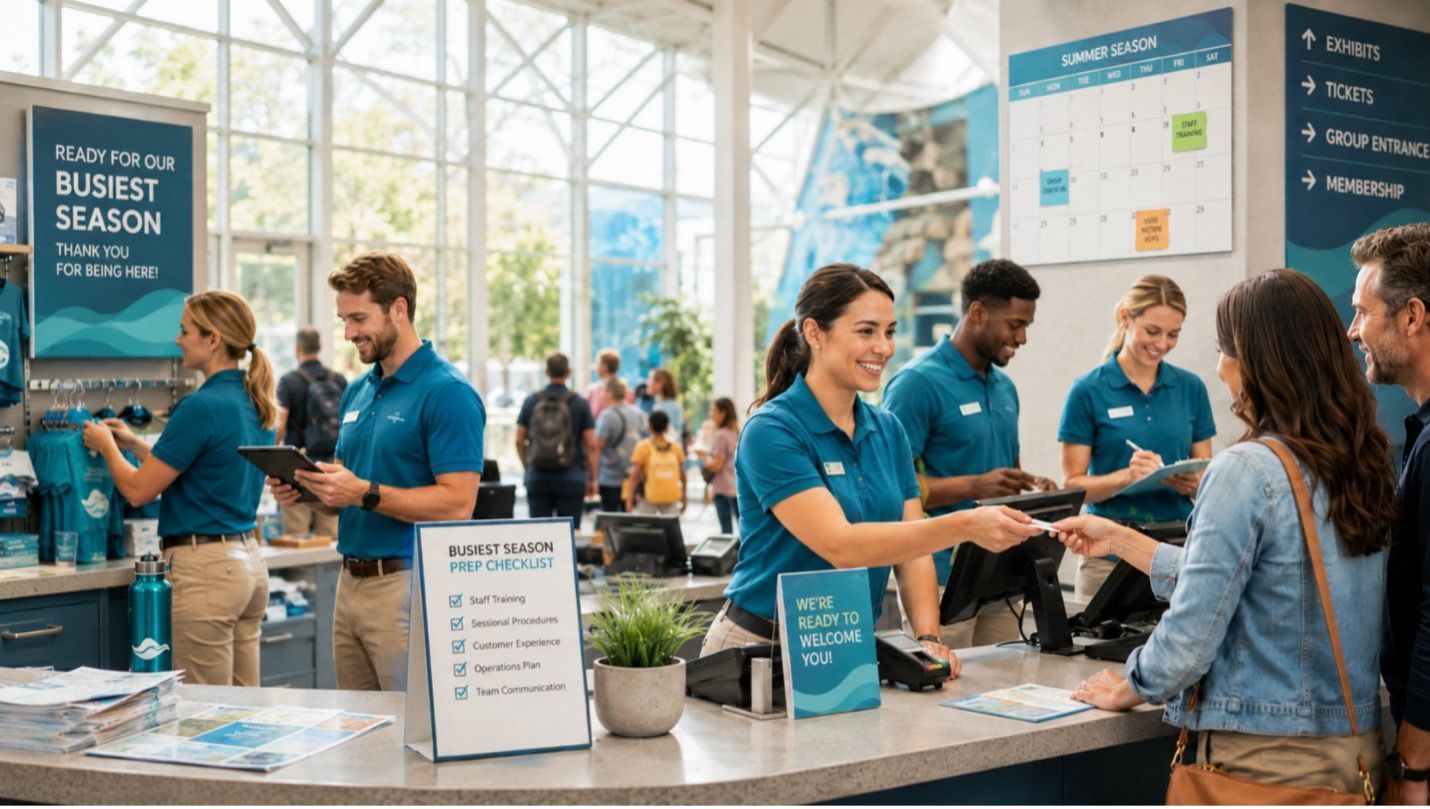
Your busiest season can bring more customers, more transactions, more questions, and more pressure on your staff. Whether your peak season includes holidays, summer visitors, special events, school breaks, or year-end giving, one thing is true: preparation matters. When your team feels confident using TAM, daily operations run more smoothly. Lines move faster, reporting is cleaner, and staff are better equipped to handle customer questions without slowing down the transaction. Before your next busy season arrives, now is a great time to ask: Is your staff ready? Review Your Daily Procedures Busy seasons are not the ideal time to discover that only one person knows how to complete a task. Take time now to review your common TAM procedures with the staff members who use the system most often. This may include: Opening and closing procedures Selling tickets, memberships, donations, and retail items Processing refunds or exchanges Applying discounts or promotions Looking up customer records Running end-of-day reports Handling gift cards, if applicable Knowing what to do if something does not look right Even experienced staff can benefit from a quick refresher. A simple review can help reduce mistakes and give your team more confidence when things get busy. Make Sure New and Seasonal Staff Are Trained If your organization brings on seasonal employees, part-time staff, volunteers, or new team members during peak periods, training should happen before the rush begins. A staff member who is unsure how to use the system may unintentionally slow down checkout, create duplicate records, miss important steps, or need frequent help from another employee. Providing training ahead of time helps new staff understand not only how to complete a transaction, but also why your organization follows certain processes. Check User Access and Permissions As staff roles change, user permissions can sometimes become outdated. Before your busy season begins, review who has access to TAM and confirm that each user has the permissions needed for their role. This helps prevent delays when employees cannot access the tools they need. It also helps protect your data by making sure users only have access to the areas that are appropriate for their responsibilities. Review Hardware and Payment Readiness Your staff may know the process, but your equipment needs to be ready too. Take time to check your workstations, receipt printers, barcode scanners, cash drawers, credit card devices, and any other hardware your team relies on. Confirm that devices are working properly and that staff know what to do if an issue occurs. If you use integrated payments through TAM>Pay, this is also a good time to review payment procedures, reconciliation steps, and any features your staff may use during high volume periods. A prepared team is one of the best ways to create a better experience for your staff, your customers, and your organization. Use TAM Resources Before You Need Them The best time to ask questions, review workflows, and refresh training is before your staff is in the middle of a busy day. If your team needs help reviewing procedures or locating training resources, the TAM Help Desk can help guide you. The TAM Application Learning Academy is also a valuable resource for staff training and process refreshers. In addition, our Customer Success Manager can work with you on business operations and provide additional guidance to get the most value from the TAM software. Taking the time to prepare now can help your organization avoid unnecessary stress later. A Confident Team Creates Better Customer Experience When your staff is prepared, your customers feel the difference. Transactions are smoother. Questions are answered faster. Lines move more efficiently. Staff feel more confident, and managers spend less time troubleshooting avoidable issues. Your busiest season will always bring some unexpected moments, but preparation can make those moments much easier to manage.

Every organization has one person who knows TAM best. They know how your software is set up, how your team uses it, which reports to run, and how to handle the day-to-day questions that come up. That person is your TAM Super User. A TAM Super User is the person, or people, your staff can rely on for TAM knowledge. They help answer questions, train team members, keep processes consistent, and maintain your organization specific TAM documentation. This documentation is important because every organization uses TAM a little differently. Your procedures for products, tickets, donations, memberships, reports, refunds, and daily operations should not live only in one person’s memory. They should be written down and easy for staff to access. Here is the question every organization should ask: If your TAM Super User left tomorrow, would the rest of your staff be able to operate TAM confidently? If the answer is no, it may be time to create a plan. Start by officially identifying your TAM Super User. Consider having more than one person in that role so knowledge is shared. Make sure your TAM procedures are documented, updated regularly, and stored where the right staff can find them. Your TAM Super User helps protect your organization from confusion, training gaps, and lost knowledge. Make the role official, support it, and create a backup plan. Not sure where to start? The TAM Help Desk is here to help. Whether you need assistance identifying your TAM Super User, documenting workflows, or creating internal TAM procedures, a TAM specialist can guide you through best practices and direct you to helpful resources in the TAM Application Learning Academy. If you are not yet registered for the TAM Application Learning Academy, contact the TAM Help Desk at 866-435-7826 or Help@tamb2cc.com.

TAM offers a wide variety of built in reports designed to help you better understand your sales, customers, inventory, and financial activity. To make it easier to explore what’s available, we provide the TAM Report Sample Guide , an online reference that shows examples of many commonly used reports. You can access the guide here: TAM Report Sample Guide What Is the Report Sample Guide? The Report Sample Guide is a visual reference library that displays sample outputs of TAM reports. Each example helps you see what information a report provides, how the data is organized, and how it might apply to your business. This guide is especially helpful when: You’re unsure which report best fits your needs You want to compare similar reports You’re training new staff on reporting You’re planning how to analyze or share data Why This Is Beneficial for Your Business ✔ Saves Time Instead of running multiple reports to see what each one looks like, you can quickly review samples and identify the right report before generating it in TAM. ✔ Improves Decision Making Understanding what data a report provides allows you to choose reports that give meaningful insights into sales trends, customer behavior, or operational performance. ✔ Helps With Training The guide is a great training tool for new users, giving them a clear picture of reporting options. ✔ Supports Better Reporting Setup By reviewing examples, you can better determine which reports to email, export, or customize for accounting, audits, or internal reviews. How to Use the Guide Open the Report Sample Guide using the link above Browse through the available report categories Review sample layouts and data fields Match the sample to the report you want to run in TAM The guide is designed to be easy to navigate and can be referenced at any time. Get More Value from TAM Reporting Reports are one of the most powerful tools in TAM. The Report Sample Guide helps you take full advantage of what’s available, ensuring you’re using the right reports to support your business decisions. If you have questions about a specific report or need help selecting the best option for your workflow, the TAM Help Desk team is always here to help. Contact us at: Help@tamb2cc.com or 1-866-435-7826.

When budgets are tight and costs are rising, raising prices can feel like the only option. But for many organizations, there is a smarter path: increasing the value of each transaction instead of charging more for the same experience. By making a few simple adjustments to how you present tickets, donations, memberships, or merchandise, you can increase revenue in ways that clearly add value for your customers. Instead of relying on price hikes, these 5 TAM strategies help you create more opportunities within each transaction, turning everyday purchases into substantial gains for your organization. 1) Implement a Round Up donation at the TAM Cash Register. Rounding up from $18.40 to $19.00 does not feel like a donation in the same way a $10 or $25 ask does. It’s spare change. Because the amount is so small, more people say yes and participation is what drives results. If even half of your visitors contribute a Round Up donation , you’ve suddenly created a steady stream of micro-gifts that require no extra campaigns, events, or mailers. 2) Strengthen Your Membership Program with Auto-Renew. Memberships can be one of the most reliable and impactful sources of ongoing support for any organization. But when renewal depends on members remembering to opt in each year, even your most loyal supporters can unintentionally lapse. Shifting from manual, opt-in renewals to automatic membership renewal is one of the simplest ways to improve retention and create long-term financial stability. When memberships renew automatically, your focus shifts from chasing renewals to nurturing relationships. 3) Offer Exclusive Promotion Codes A well timed promotion can drive immediate retail sales, especially when it feels exclusive. Creating special offers for members or recent ticket buyers encourages additional spending while reinforcing the value of their connection to your organization. With TAM’s Promotion Code program, you can easily create targeted promotional campaigns that can be applied at point of sale or on eTAM. Promotion Code Strategy When a specific SKU is purchased include a receipt message that contains a promotion code for savings on a return visit. Hold a Friends & Family event where a promotion code is given to select customers/members. 4) Use POS suggestion prompts to drive add-ons: TAM’s point-of-sale suggestion feature displays a custom message to the cashier when specific items are added to a transaction, making it easy for staff to recommend related products, donations, or upgrades in the moment. These timely, consistent prompts help increase add on rates and can significantly boost your average dollars per transaction. 5) Use Bundles to Increase Value Per Purchase Ticket or Inventory bundles are a fantastic way to increase revenue while making customers feel like they’re getting more for their money. By packaging related items or experiences together at a set price, you can encourage higher spending without the perception of simply “adding on” extra costs. Bundle Ideas Multi-attraction or multi-day experiences Family or group visit packages Gift ready retail bundles These revenue driving options are already built into the TAM software you use every day — they just need to be implemented. By taking advantage of these existing features, your organization can unlock meaningful gains using the software you already have in place. For guidance on any of these options or help getting started, contact the TAM Help Desk at 866-435-7826 or Help@tamb2cc.com.