Make Inventory Count: Save Time and Money with HandHeld Link
Inventory takes more than a count of what’s on your shelves. It takes staff time, careful data entry, and follow-up when the numbers don’t match. Those hours add up and so does the cost of pulling your team away from customers and other responsibilities.
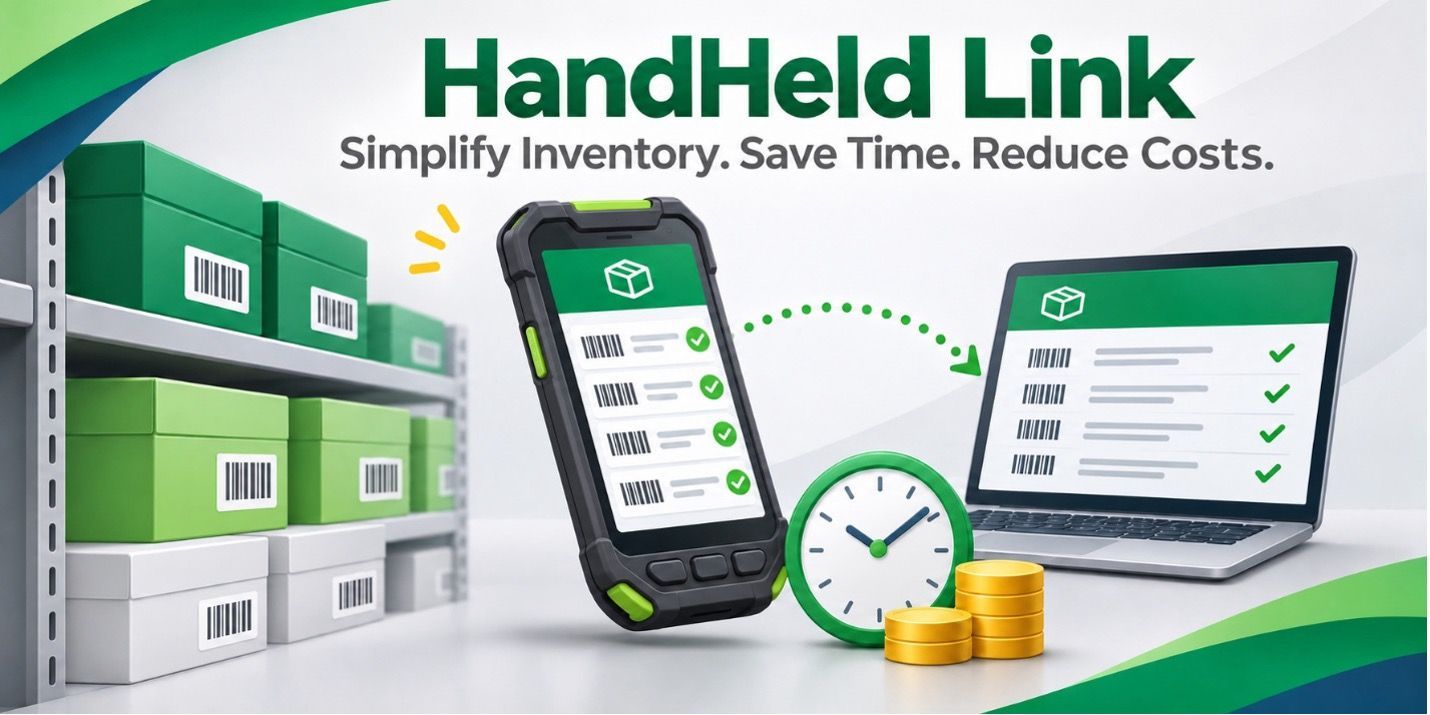
TAM’s HandHeld Link module helps simplify that process, giving your team flexible ways to capture inventory counts and bring that information into TAM.
Less Manual Entry. Fewer Opportunities for Errors.
Recording counts and then entering them again creates extra work and opportunities for mistakes. HandHeld Link helps reduce manual entry by bringing collected count data into TAM for reconciliation.
That means less time transferring numbers and a lower risk of errors that can lead to additional research or recounts.
Choose the Counting Method That Fits Your Team
Every organization approaches inventory differently. HandHeld Link supports options 4 entry options:
· Inventory Entry Program
· TAM Inventory App for Apple and Android devices
· Zebra scanners
· Third-party counts
For teams using handheld scanners, the Zebra TC22 offers a durable option for capturing counts throughout the store and stockroom.
Turn Time Savings into Cost Savings
The cost of inventory includes the hours spent collecting counts, entering information, and correcting mistakes. Streamlining those steps can help reduce the labor required to complete the job.
With a more efficient process, your team can spend less time working through inventory and return sooner to serving customers and managing daily operations. Whether you count hundreds of SKUs or thousands, reducing repetitive work can make a meaningful difference.
Make Your Next Inventory Easier
Your team’s time is valuable. Adding HandHeld Link to your TAM system is an investment in a smoother inventory process, more reliable records, and fewer hours spent on avoidable work.
Contact TAM Sales at 888-843-1476 or
sales@tamb2cc.com to discuss adding HandHeld Link and find the counting option that fits your organization.